If you aim to create a brand that stands out, you need to start by creating visually appealing design elements.
How the brand looks and what its colors and design elements look like tell a lot about the brand’s goals and identity. This, in turn, is a factor that will generate the trust of the customers towards the brand.
In 2026, many design platforms help to create full design kits for brands easily and in a short amount of time. Additionally, these tools allow users to easily edit the design and get a unified result across the whole page.
Want to learn more? Then keep reading this piece about top design platforms and their main advantages.
How Did We Compare the Tools?
Before moving on to explore the tools, let me tell you how we tested them and identified our ranking.
We focused on testing the logo-making tool of each brand since creating a logo for a business is one of the most essential steps, and testing this factor will tell a lot about the tool and its capabilities.
We wanted to create a logo for a bakery called “May’s Bakery,” and if the tool allowed us to add keywords, we added “baked goods, pastries.”
While working with each tool, we paid attention to its speed, customisation capabilities, design variations, and stickiness to the field. In addition, the quality of the design was another essential factor that we paid close attention to.
Now that everything is clear, let’s move forward to exploring the tools.
AI Design Tools: At a Glance
|
Platform |
Ease of Use |
Design Suite |
Does the Tool Have a Free Tier? |
Trustpilot Score |
|
Design.com |
Extremely beginner-friendly, simple customization |
50+ designs and branding tools for creating logos, websites, business cards, digital business cards, social media posts and stories, presentations, QR codes, flyers, posters, letterheads, menus, etc. |
Yes, no watermark |
⭐4.7/5 |
|
BrandCrowd |
Easy for beginners, no design experience |
50+ branding tools to create logos, business cards, websites, presentations, social media posts, letterheads, posters, flyers, etc. |
Yes |
⭐4.8/5 |
|
Logo.com |
Good for beginners |
Logo generation, design editor, website builder, brand kit. |
Yes |
⭐4.6 /5 |
|
Logomakerr.ai |
Begginer-friendly |
Logo generator, business cards, social media assets, letterhead templates. |
No |
⭐4.0 /5
|
|
Brandmark.io |
Easy to use |
Social media graphics, business cards, logos. |
Free preview |
⭐2.6 /5
|
Top 5 Tools for Brand Identity
Design.com
Design.com is a professional and all-in-one design suite that provides high-quality logos and diversity to choose from.
We chose this platform as #1 on our list since it was easy to use and provided numerous templates. The tool is perfect for anyone, whether you are a business owner, you have a startup, or you are a creator aiming to start your brand. Design.com is a top option.
But to look at the facts and see the tool in action, let’s start by exploring it further.
Main Aspects
- Offers 100% ownership and extended licensing, giving its users exclusive use of the logos.
- 500K+ logo templates, and 1 million + overall design templates.
- Advanced AI integration that includes an AI logo generator, website builder, flyers, posters, presentations, background remover, etc.
- Download your logos in files with a transparent background, SVG, EPS, PDF vector files, PNG and JPG raster files, GIF and MP4 animated files.
- 750+ fonts, 525+ of which are exclusive.
- 62K custom vector shapes helping you experiment with style.
- Full email and chat support that will answer all of your questions.
Putting the Tool to the Test
To understand what kind of results Design.com’s logo maker provides, we started by entering the business name and keywords and waiting till the logos appeared.
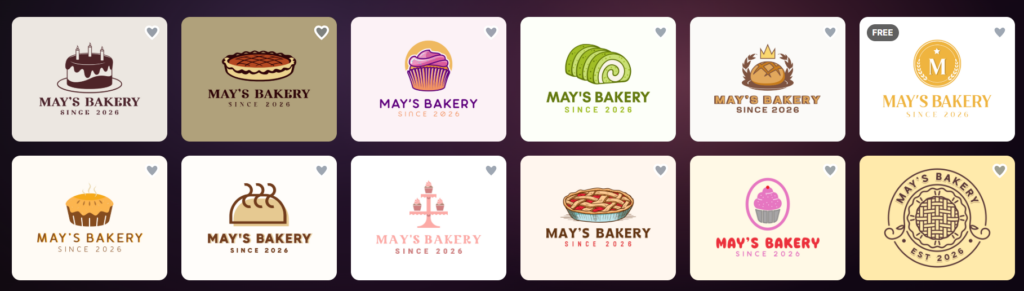
The logo maker works instantly and does not make us wait a second longer.
One of the greatest advantages of the tool is that the logo design options we could choose from were limitless. There are numerous design options, each with unique elements.
Another essential factor that is worth highlighting is that all the logos that were provided included details from the chosen field; therefore, it is easier to choose a design.
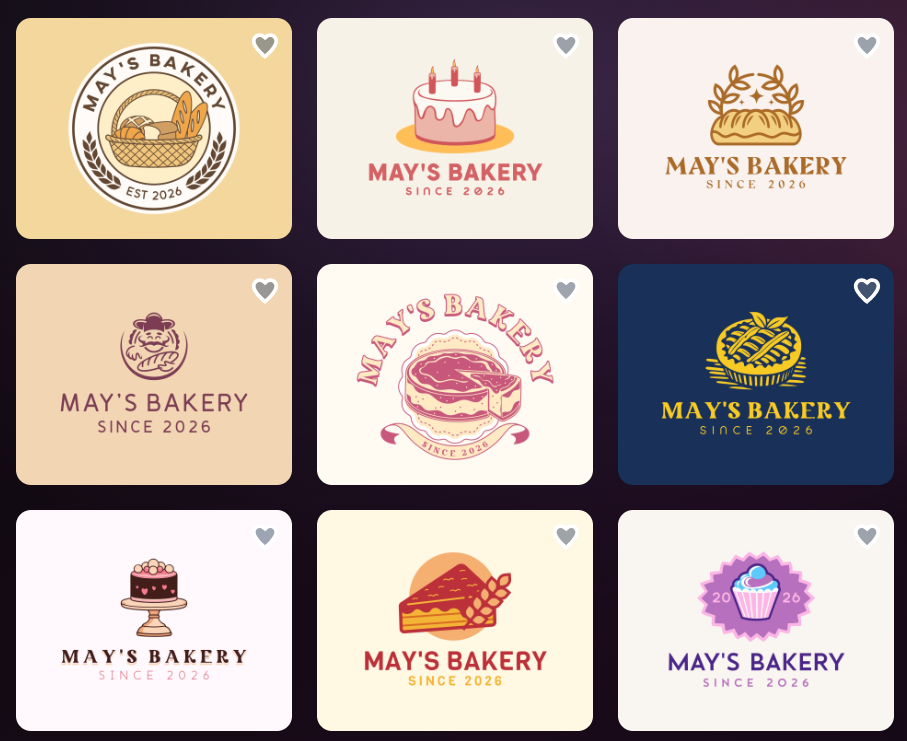
What’s even better is that the quality of the logos is high and unique. They have interesting design details that will make your brand stand out. The colors are also unique and have interesting gradients that add a beautiful nuance to the design.
The design helps us to understand that logos are not only AI-generated, but that professional designers were integrated into the logo creation process.
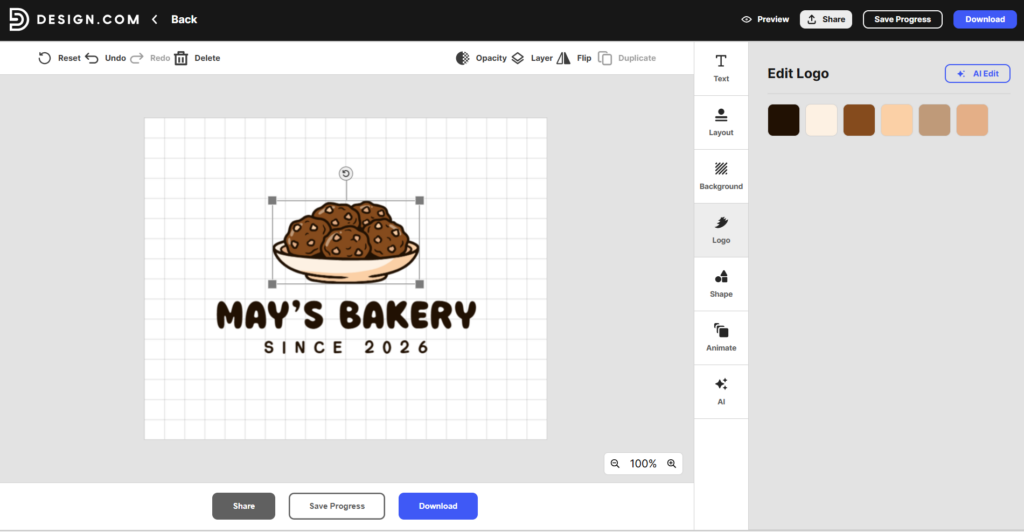
Customisation with Design.com is also diverse and easy.
All you need to do is choose the element you like, and you will see it instantly appear on the canvas.
Here, we can change the font, layout, background, shape, color, and add animation to the logo.
Another essential element that we would like to highlight is the AI customization feature, where we can describe the elements that we aim to change in the logo, and the AI tool will quickly make those changes while making the logo even more unique.
Our Verdict
Design.com, with its diverse customisation features and AI integration, proves that it deserves to take the first place in our list, as it is easy to use, there are numerous unique design options to choose from, and you can experiment as much as you want till you receive the result you want.
BrandCrowd
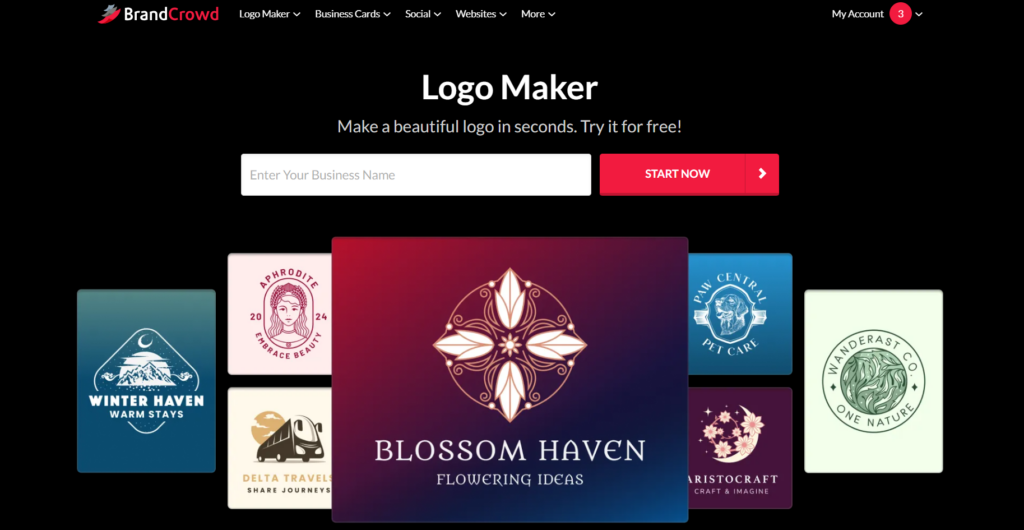
BrandCrowd is another AI-powered design platform that offers advanced customisation options and different design templates to choose from.
The tool is extremely easy to use, even if you do not have any design experience.
Main Aspects
- 380K+ logo templates and over 1 million design templates.
- Quickly and easily register a domain name with your logo.
- You can get your logo printed on business cards, T-shirts, mugs, cups, etc.
- Advanced email and chat support available.
- You can create a list of your favorite designs and use them later.
- Extended licenses allow customers to remove logo templates and have exclusive use of the logos.
Putting the Tool to the Test
On BrandCrowd, to generate a logo, we again need to add the business name and any matching keywords.
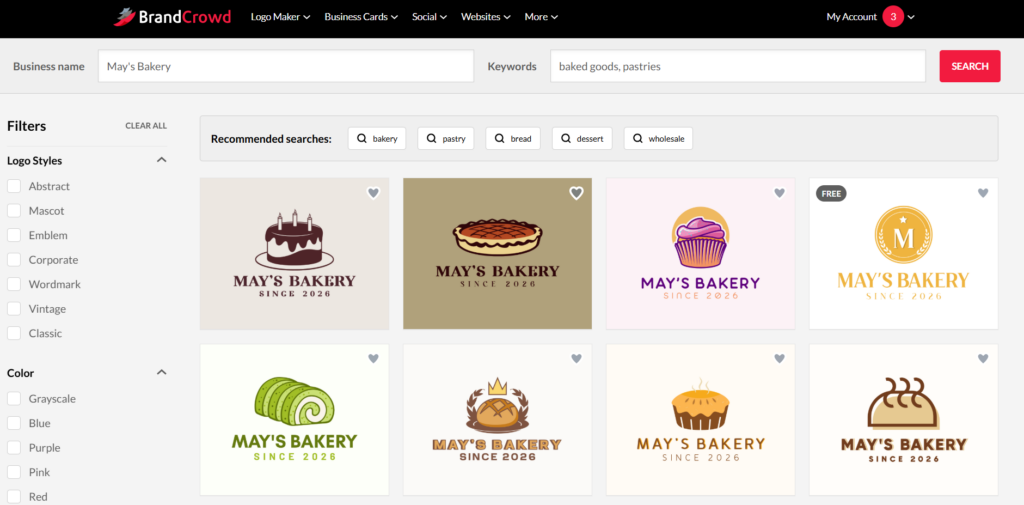
Logo designs appear immediately, and there are many options to choose from. All the designs had some elements that reminded us of the chosen field and industry, so they will be easily integrated into social media platforms or the brand website.
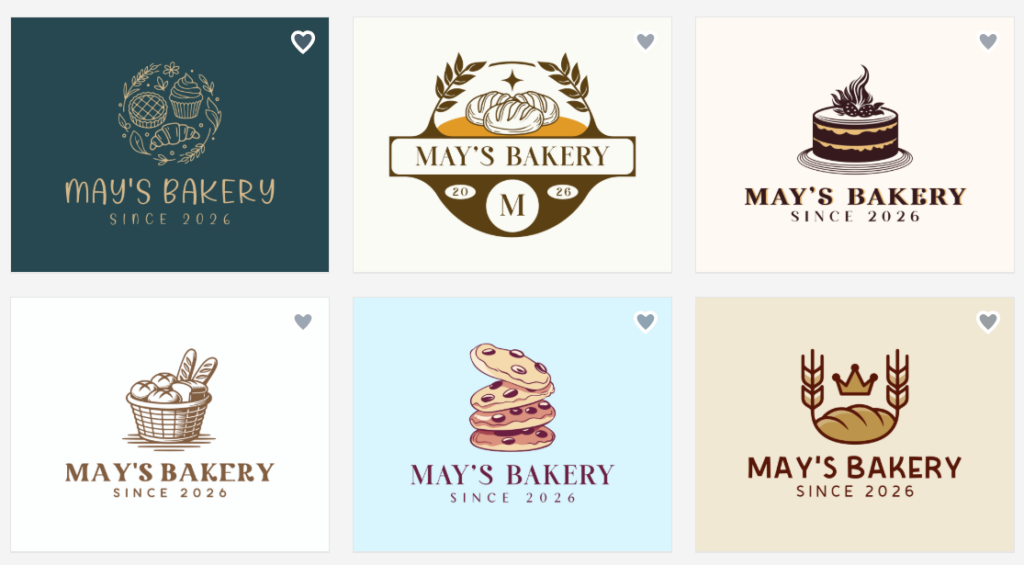
The quality of the logos is high. They have unique highlights, coloring, and gradient which could be only made if professional designers worked on some of the design options.
Now let’s see what customisation options the tool offers.
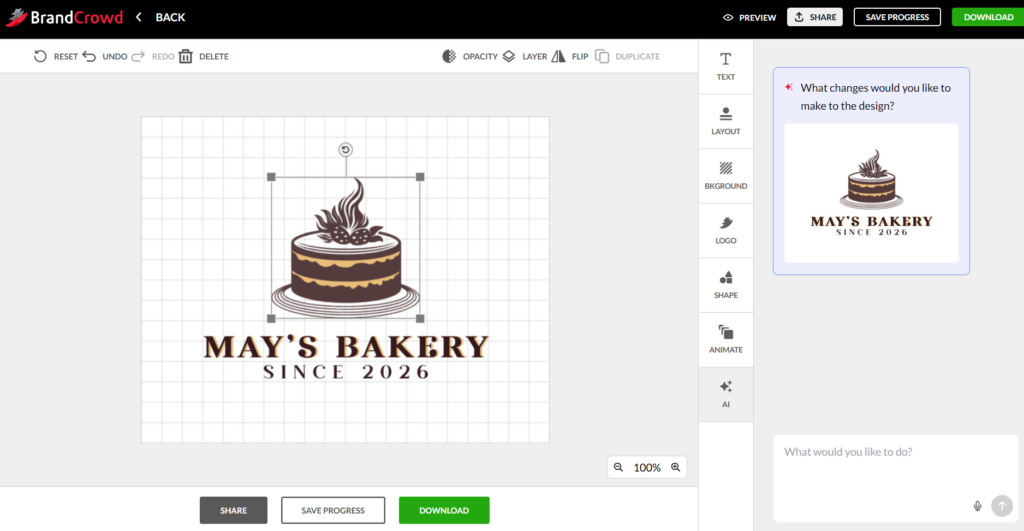
As was the case with Design.com, we can change the layout, background, font, add animation, change colors, and ask AI to make any additional changes in our logo design.
Our Verdict
As a last point, we would like to mention that BrandCrowd deserves to take the second place in our list with the help of its AI integration, diverse logo designs, and advanced customisation opportunities.
Logo.com
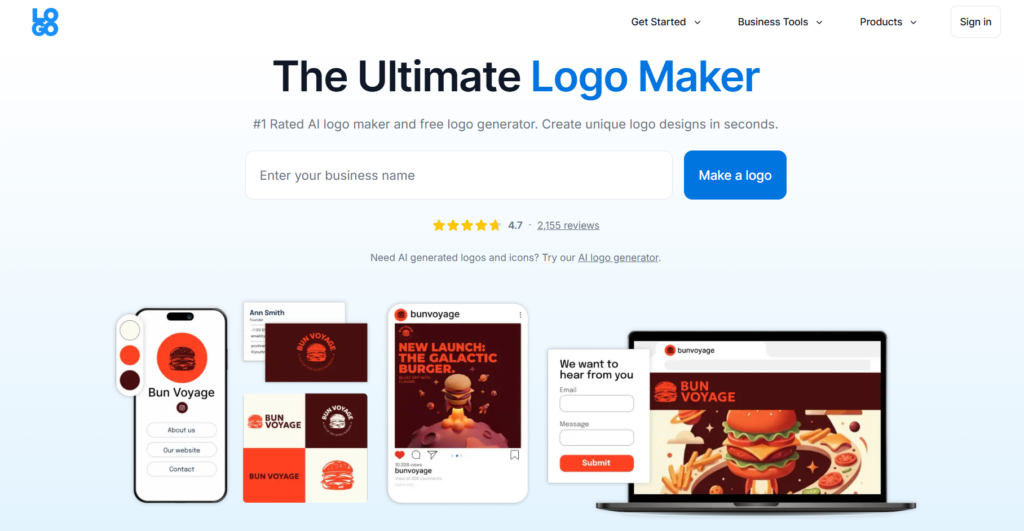
Logo.com is a very easy-to-use design platform perfect for beginners and those without any design experience. It helps you easily and quickly create logos for your brand.
Main Aspects
- The logo maker is very quick to work with, and it helps you save time.
- You can easily move, resize, rotate, and layer elements in the intuitive platform.
- You can freely download your logos in high-resolution PNG files.
- Generates diverse customized logo designs.
Putting the Tool to the Test
To create logos here, we again add the business name, choose an industry, add a slogan if available, add any relevant symbols, choose a color scheme, and even choose the purpose of the logo creation.
This, of course, takes a longer time, but let’s see if it is worth it.
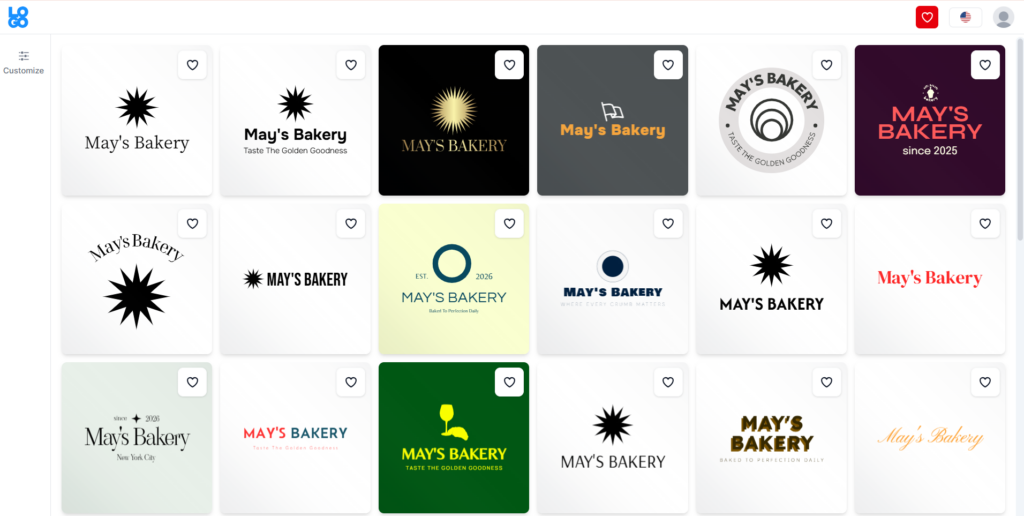
The results were somewhat disappointing since, although we added many details to personalise the logo, the final design options do not remind us of anything about the chosen field.
The good point is that the designs are varied to choose from. But the quality and general design make it difficult to choose any of the logos, since it will make it harder for customers to remember our design.
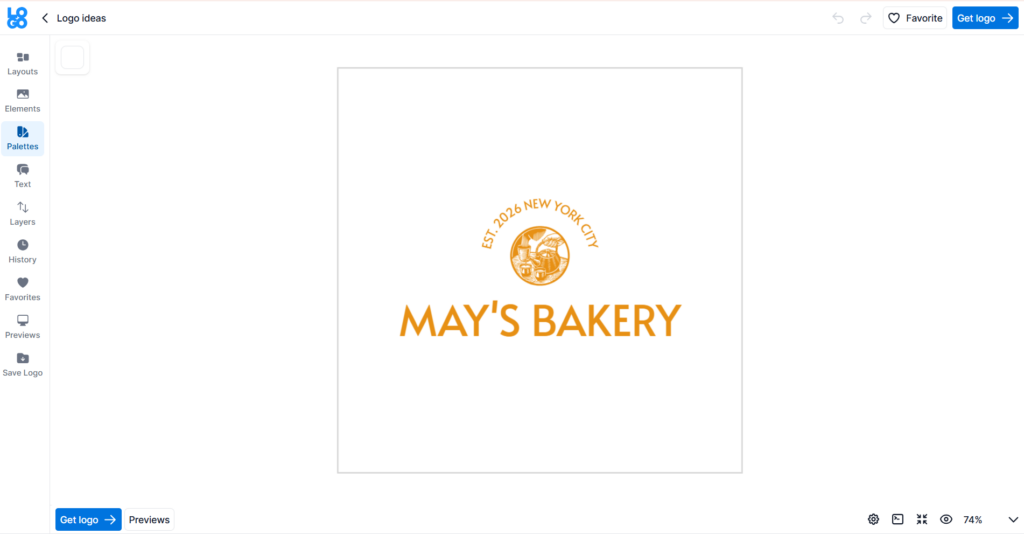
Customisation is easy in this tool; we can change the layout, design elements, colors, text, and add the logo to our favorite list.
Our Verdict
Logo.com is an easy tool to create designs; however, the final design options do not remind us of our preferred field and do not shine in quality.
Logomakerr.ai
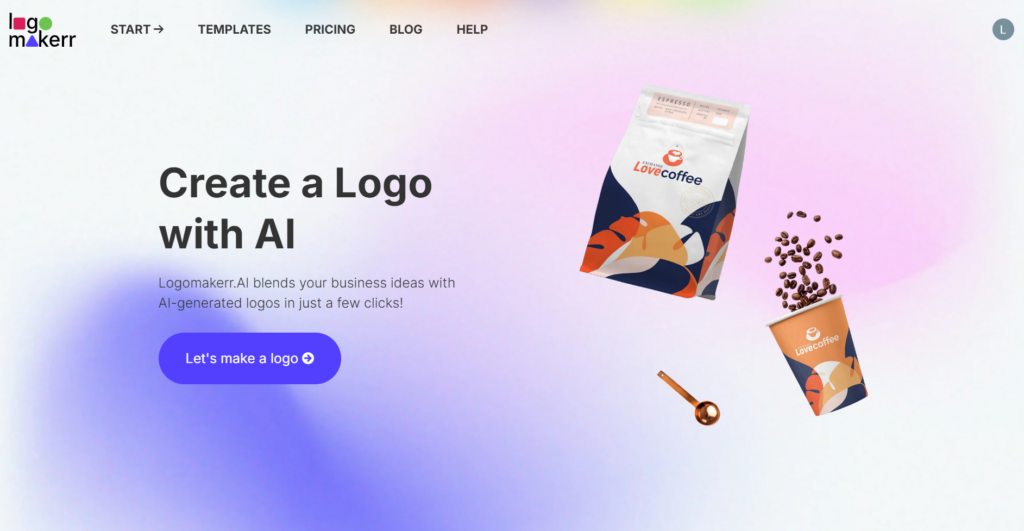
Logomakerr.ai is an automated online platform that uses AI to generate and customise professional logo designs.
Main Aspects
- AI integration helps to automate the logo creation process and save time.
- Download your logos in high-resolution SVG and PNG files.
- You can easily adjust the design to achieve your desired outcome.
- Provides different templates for logo creation.
Putting the Tool to the Test
Here, as in the case of the previous tool, we needed to add the brand name, industry, color palette, font style, and wait till the logos are generated.
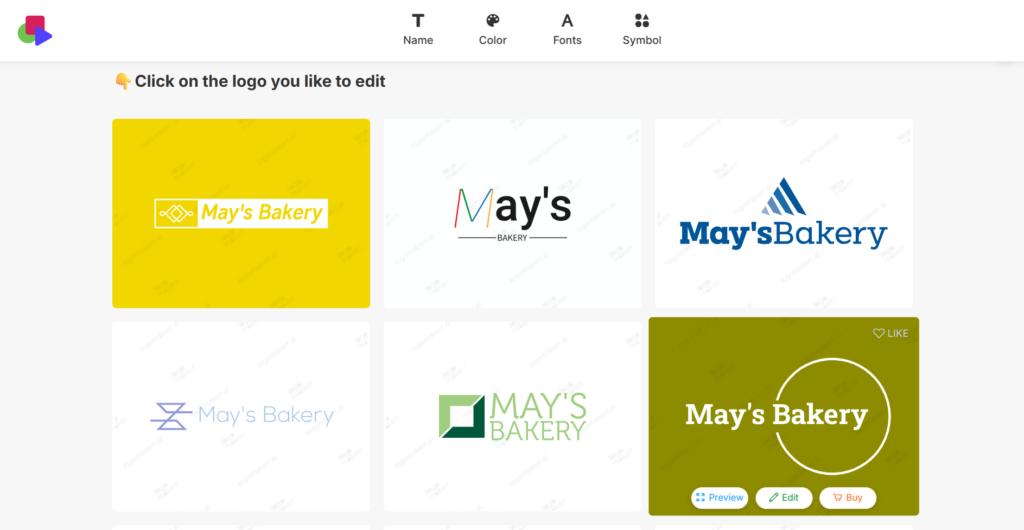
Results appear quickly but again are super general and do not have unique elements that tell us about the chosen field. Quality is poor, fonts are super simple, and the styling is quite old-fashioned.
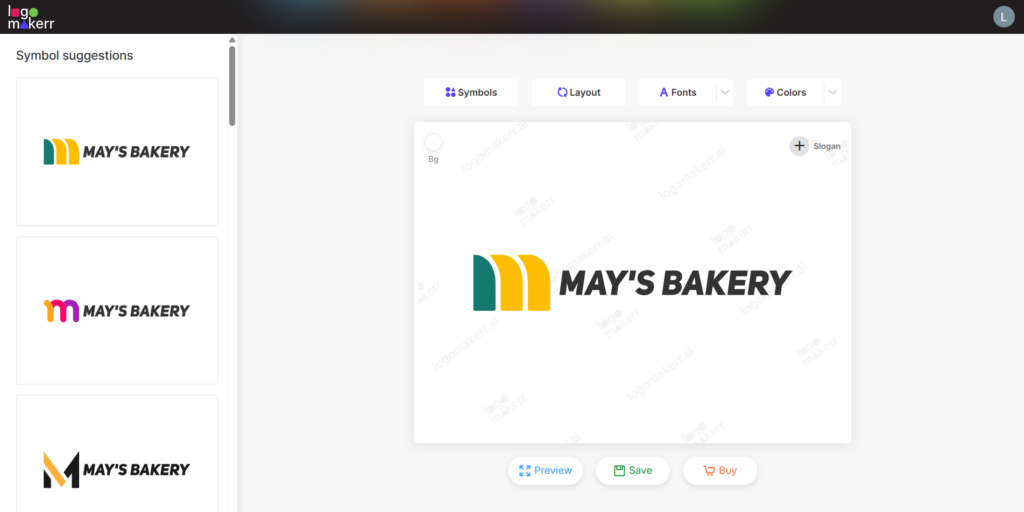
Customisation includes changing symbols, layout, fonts, and colors. It is easy to do, and the changes appear quickly on the logo.
Our Verdict
Logomakerr is an interesting tool to work with but surely not the best one if you aim to create an industry-specific and high-quality logo.
Brandmark.io
Brandmark is another AI-powered design tool helping to create designs for different brand styles without design experience.
Main Aspects
- AI helps to generate logo designs automatically and without much effort.
- Allows you to preview, edit, and tweak design elements.
- Free to generate and test designs, but you need a paid tier for getting access to high-resolution files.
Putting the Tool to the Test
In the case of this tool, we add the business name, any relevant keywords, color style, and wait till the logos are generated.
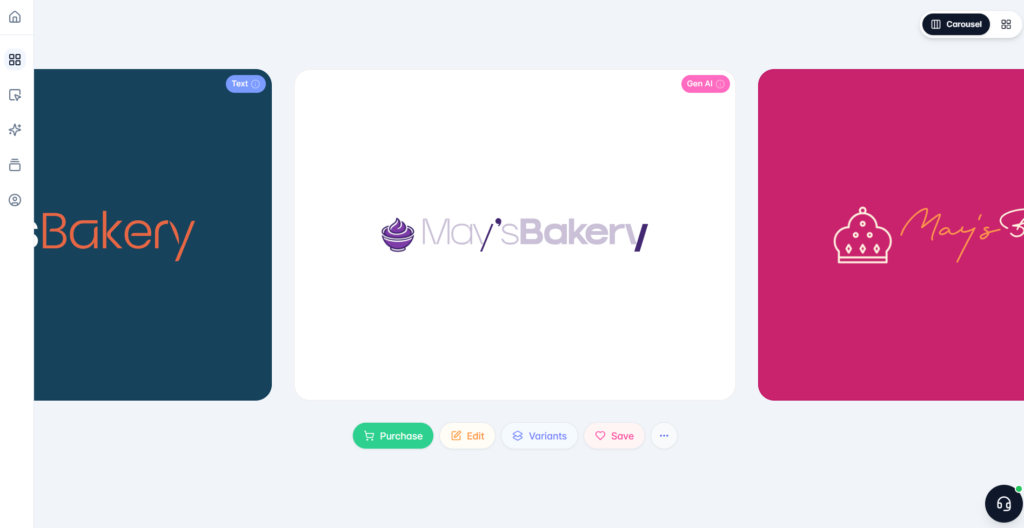
In comparison to the previous tools, the logo generation time is the longest here. And unfortunately, the design options to choose from are not many either.
The quality of the design does not shine; fonts are simple, coloring is not vibrant, and there are not many unique elements that will make our logo stand out.
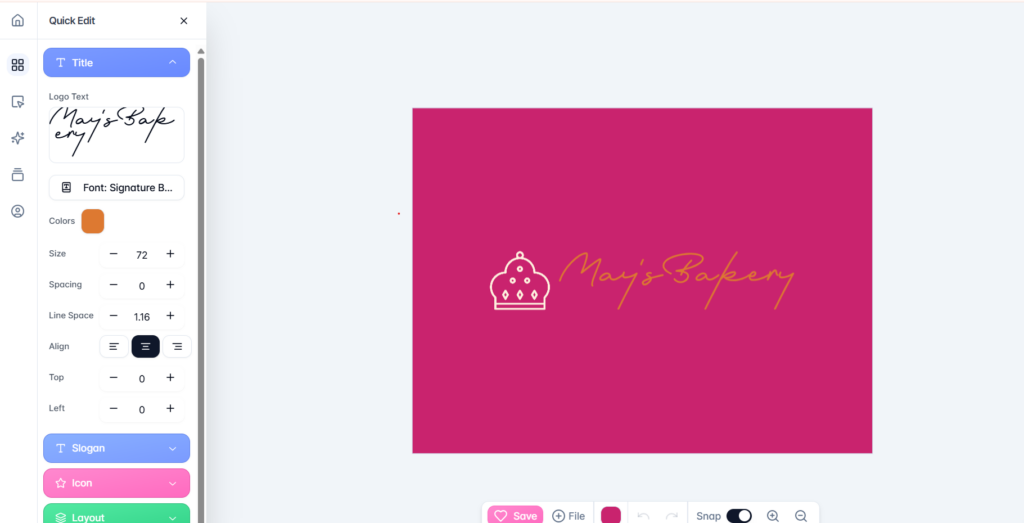
Customisation is quite simple. We have an opportunity to change the layout, fonts, letter size, ensure alignment, and add spacing.
Our Verdict
BrandMark is an easy tool to create with, but when looking at the design templates and styles, it takes last place in our ranking.
The Closing Note
Overall, there are many interesting tools that provide all-in-one features for design creation and make it effortless. The good point is that all of these tools are easy to use and perfect for anyone without any design experience.
However, not all of them provide high-quality and diverse templates as well as advanced customisation options to make sure your design will stay memorable.
Personally, we recommend starting with Design.com with the help of its advanced AI integration, largest library of templates, and professional quality that all creators aim for.
And now the stage is yours! Choose the tool you prefer and start experimenting with design to capture the attention of your customers.